Play
How to play
A whole match from the hub to the results screen.
#The hub
The hub is where you pick your operator, the mode and the location. Vs bots works without signing in. 1v1 and 3v3 are online; 5v5 is for verified Chog holders. The location is a preference: see Multiplayer for how online matching uses it.
#Deploy
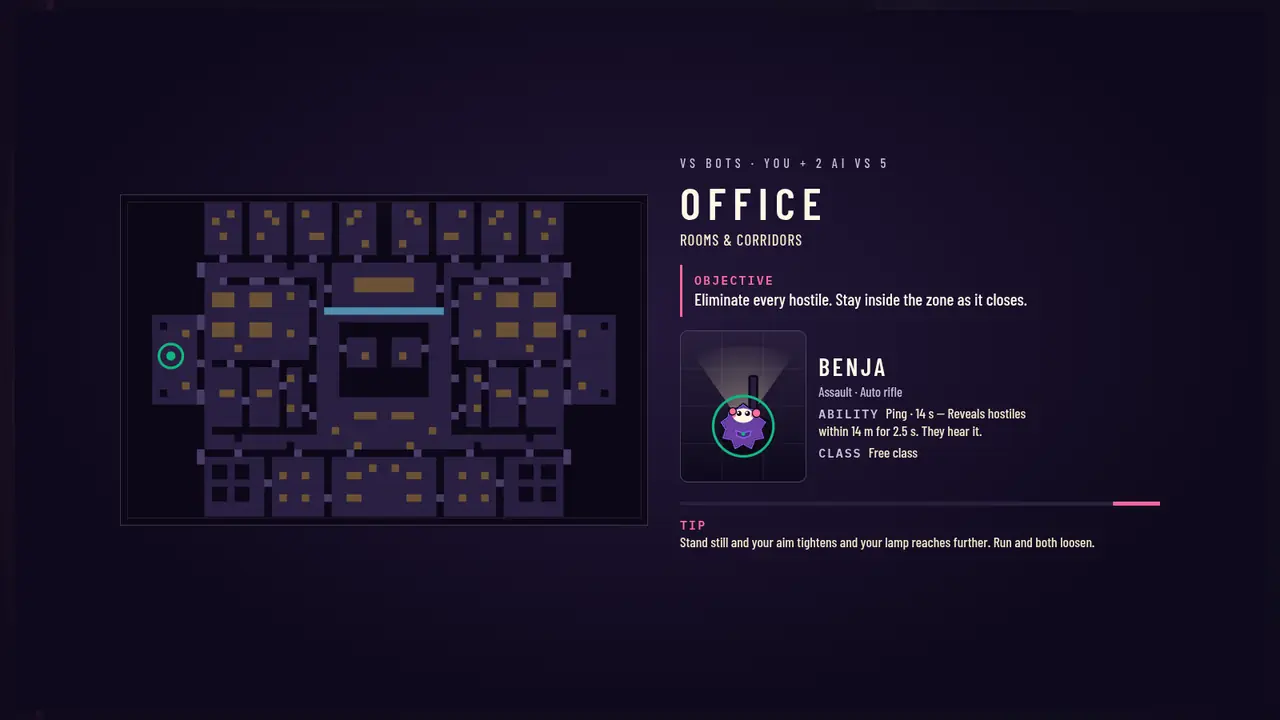
The loading screen is a briefing: the location, the objective, your operator's ability and its cooldown, and a tip.
#How to win
- Vs bots
- Down all 5 hostiles. Your AI teammates' downs count for your side.
- Online
- The last side with anyone standing wins.
- Time limit online
- 240 s; then the side with more health standing wins (the zone normally ends it first).
- Lose
- You are eliminated (shot, bled out, or caught by the zone).
#Reading the HUD
Top left: health (ticks every 25), armour, your operator and mode. Top middle: hostiles left and the zone timer. Bottom: weapon and ammo, ability (with its cooldown seconds) and grenades. The MAP button under the vitals opens the full-screen tactical map.
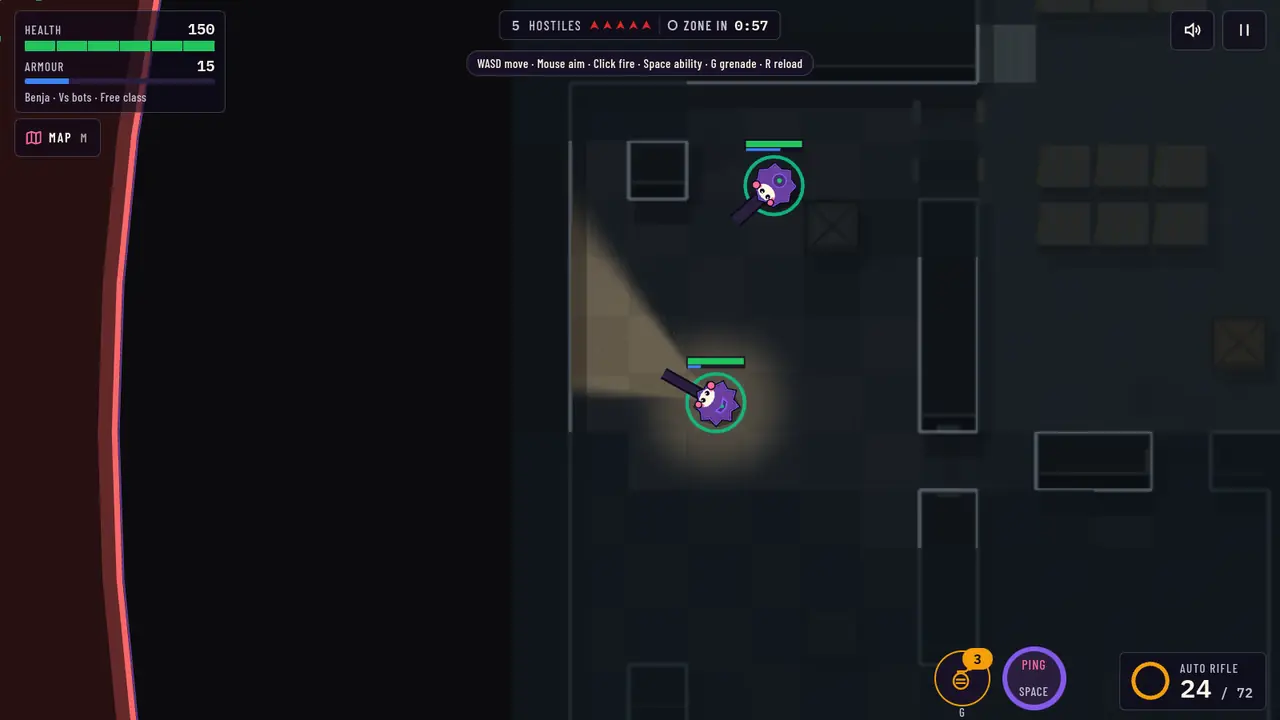
- Health (green) and armour (blue)
- Tactical map (M)
- Hostiles left and the danger-zone timer
- Grenades left (G)
- Ability and its cooldown (Space or Q)
- Weapon, magazine and reserve, reload ring
#HUD warnings
The HUD changes when something needs you: low health is spelled out and pulses, the armour bar marks the moment it breaks, and the weapon panel warns when ammo is low or out and while you reload.
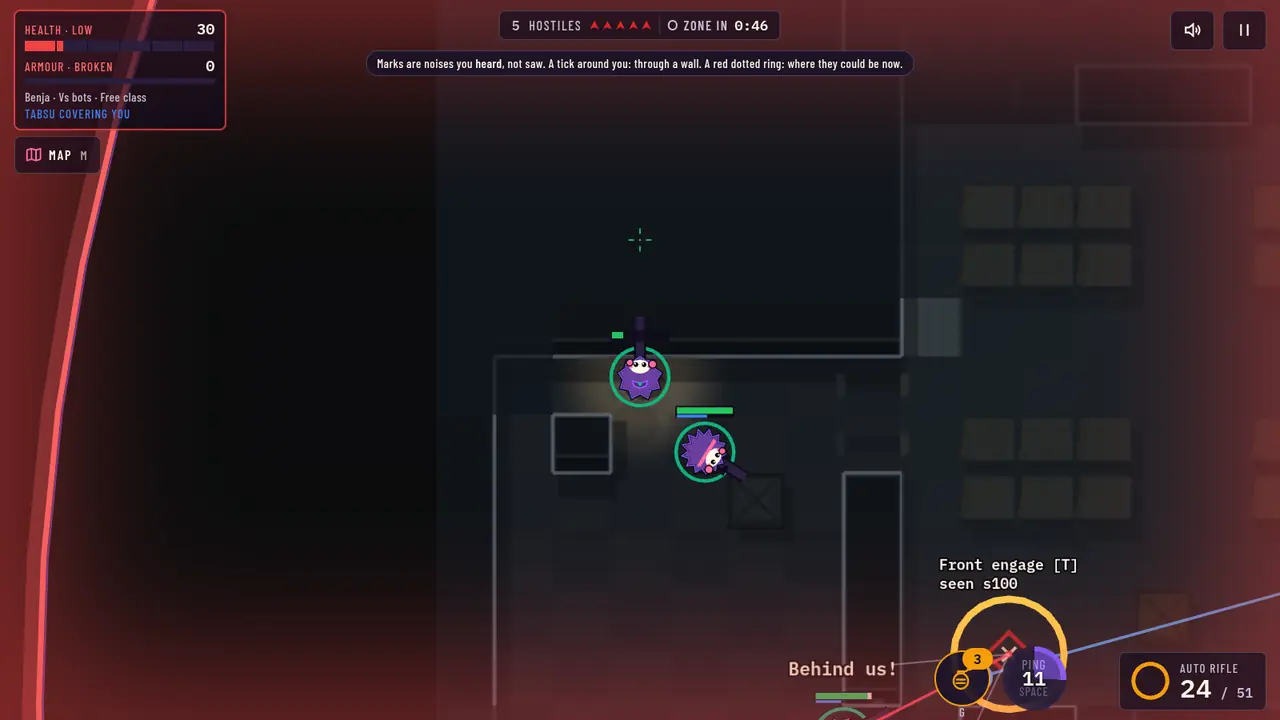
- Health low
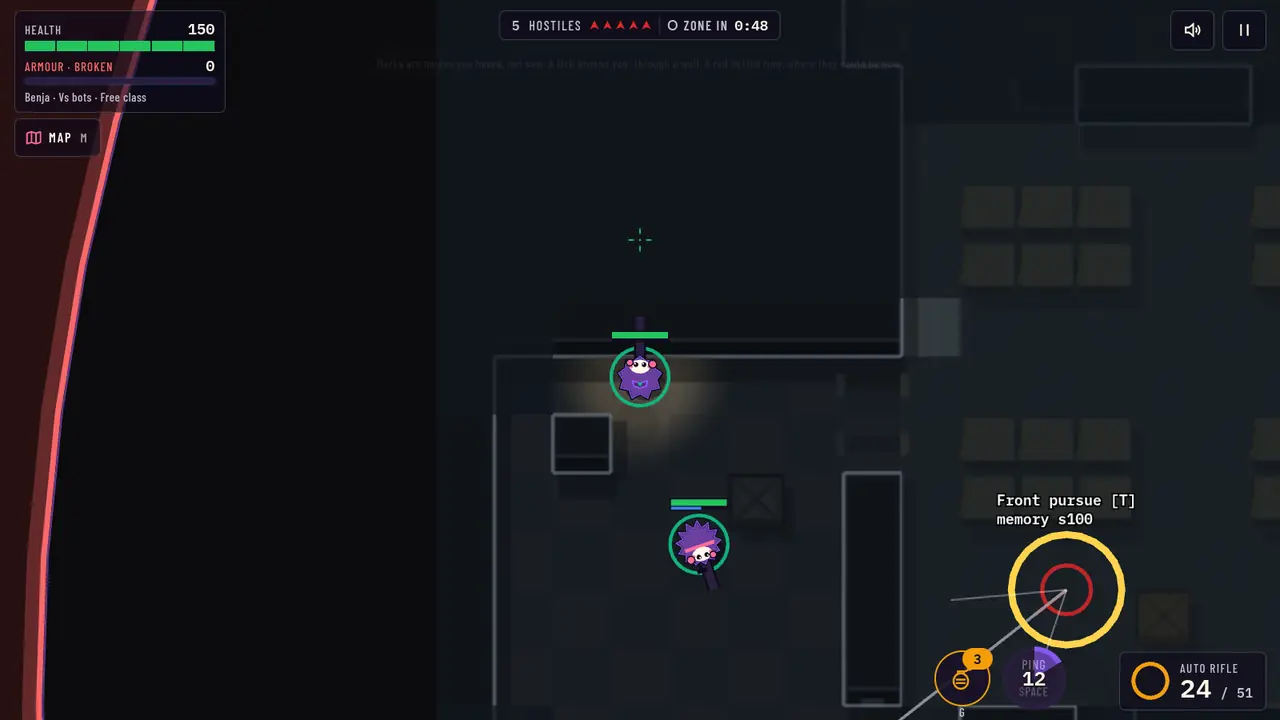
- Armour bar empty: every hit now goes to health
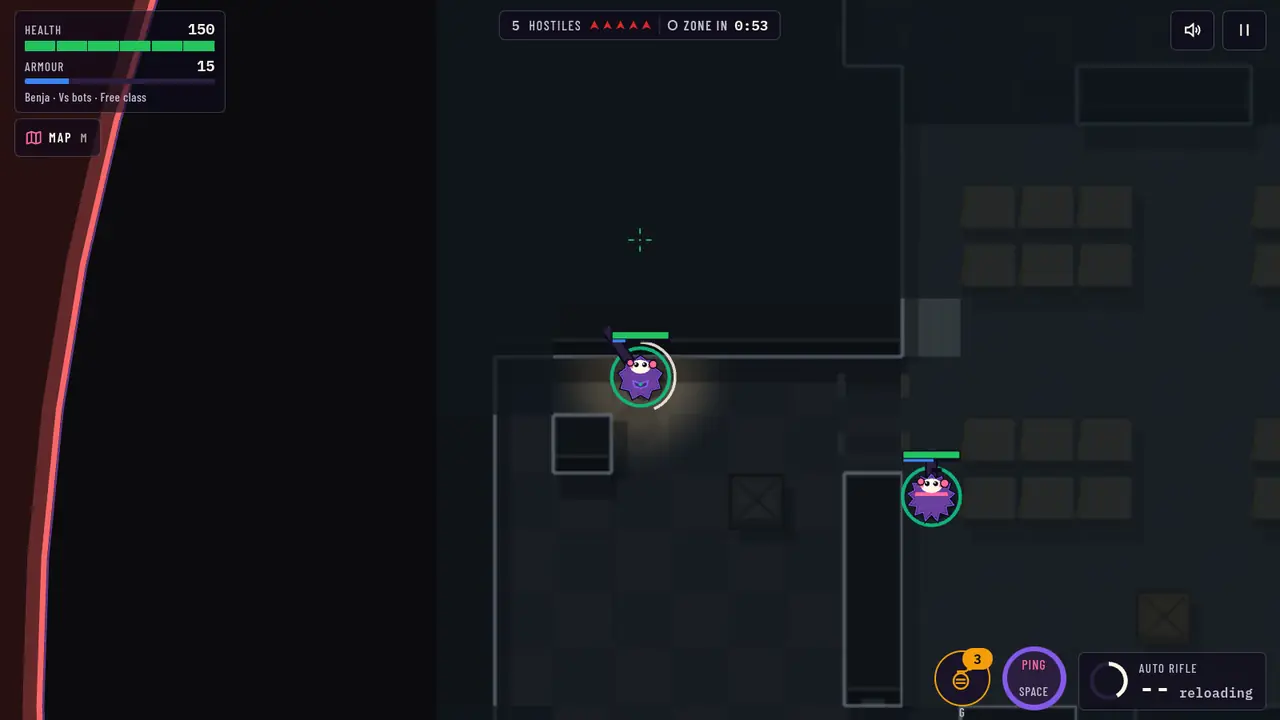
- Reload ring and ammo count
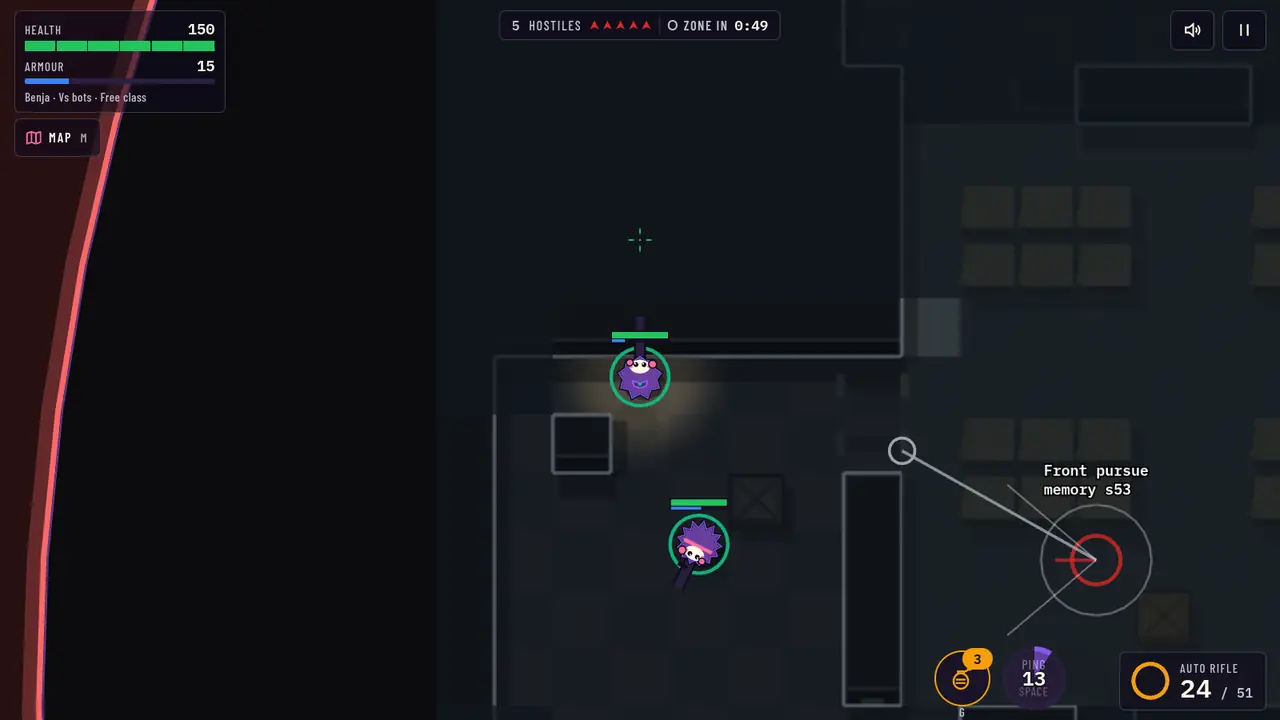
- Ability on cooldown
#The tactical map
Press M or the MAP button for a full-screen map of the location in play. It shows the layout, area names, the zone (and the next circle) and stocked supplies, you and your side, and every living hostile on the whole map at its current spot, whether you have seen it or not, updated live while the map is open. Your "last known" circles and, if you hold the Visor, its dots still show too. Eliminated hostiles are not shown. The game view itself still hides hostiles behind walls. The match keeps running and your operator stands still while it is open; M, Esc or RETURN closes it. Wheel or pinch to zoom, drag to pan.
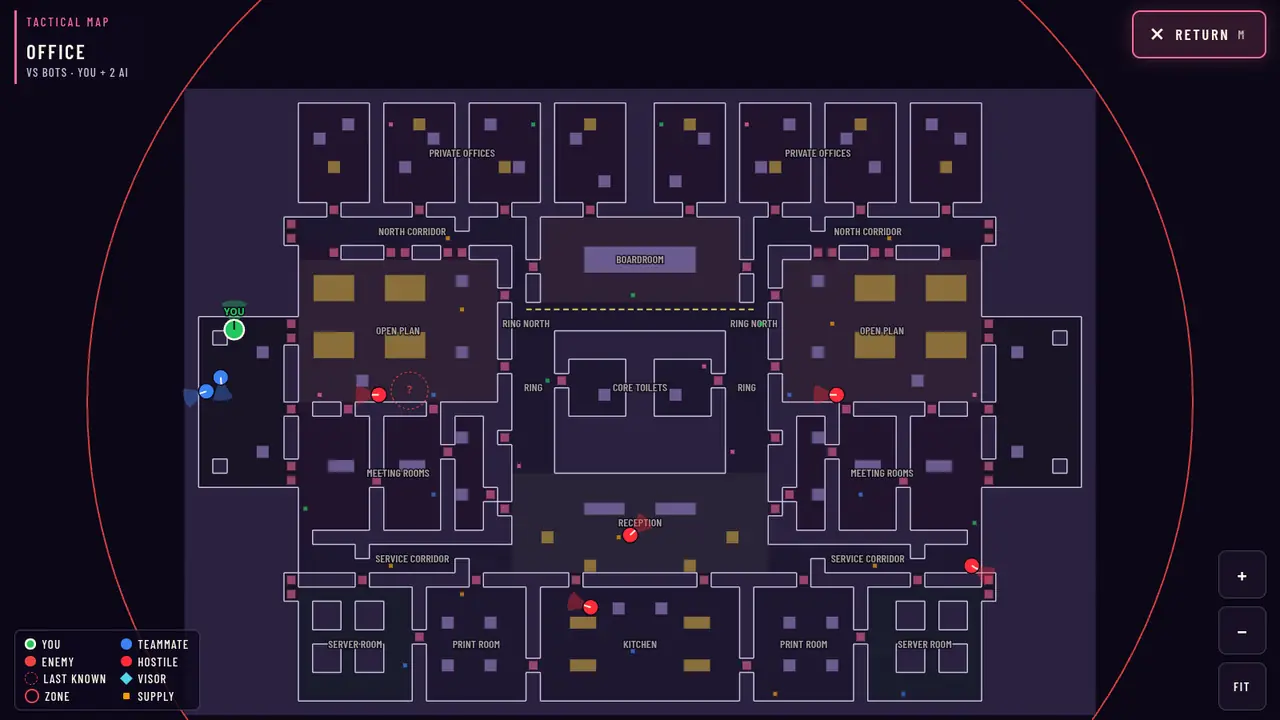
- Location
- Zoom in
- Fit the whole map
- Return to the match (M)
#End of a room
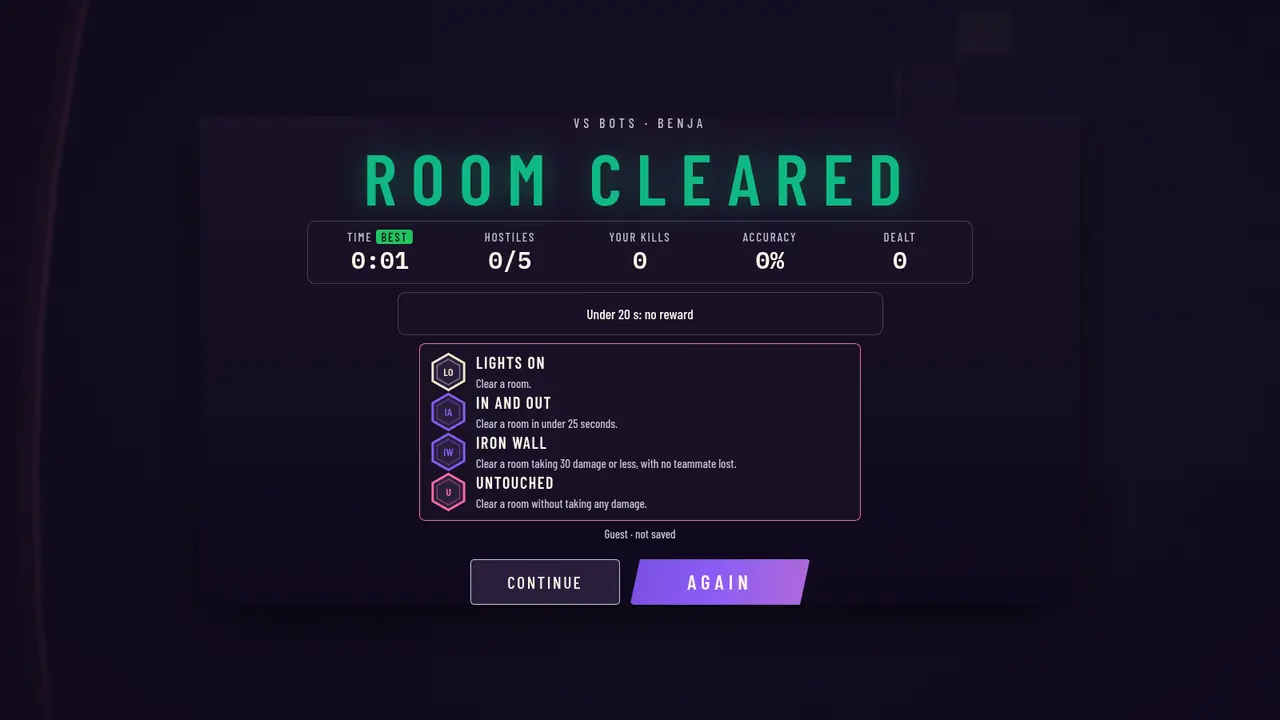
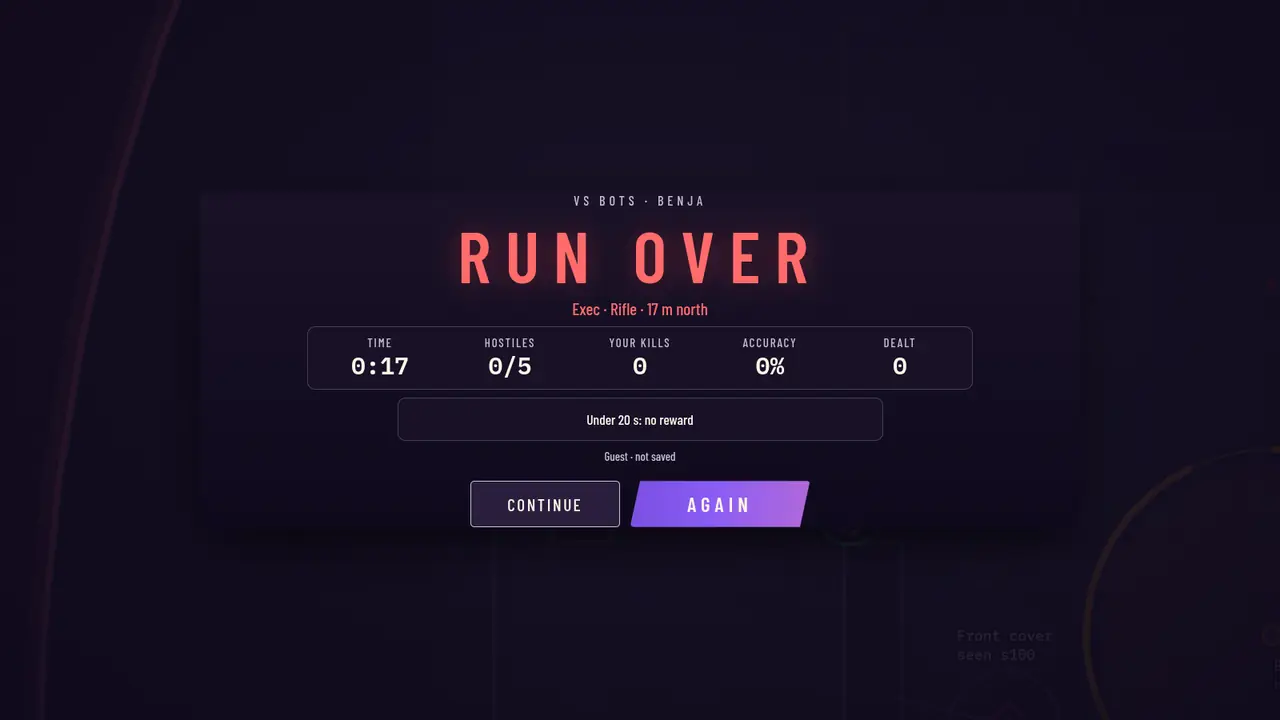
A defeat shows a short recap of how you went down, then the results. The results list what the run paid in XP and shards, line by line, and any medals earned.